
How to Digitize Your VHS Tapes at Home
There are many personal reasons to digitize your VHS tapes on your own. It is entirely possible — here is how.
The Fragility of Old Tape Formats
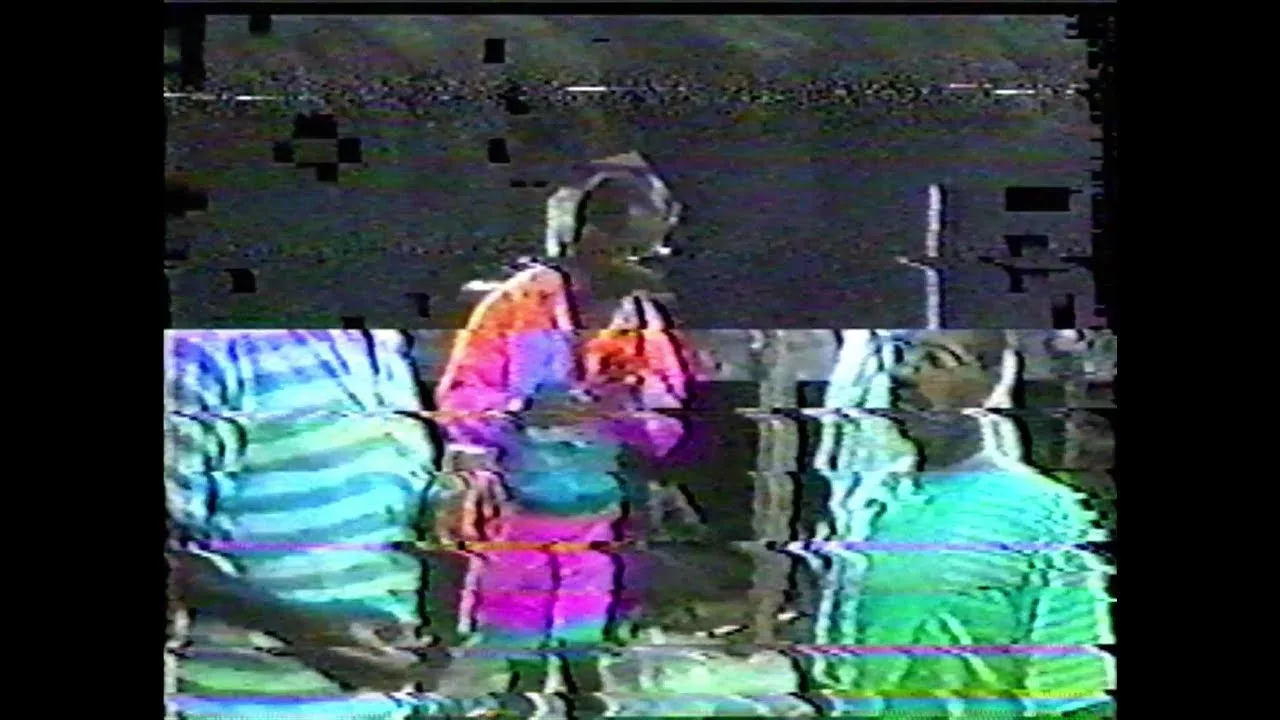
What causes a blurry image or audio drift when playing a VHS tape is usually its age and storage conditions: humidity, dust, oxidation, heat. But the quality of the playback deck plays an equally important role.
For reliable results, look for a player equipped with a TBC (Time Base Corrector) and at least 4 playback heads. Without a TBC, you risk a distorted image, inaccurate colors, or unstable audio/video sync — problems that hours of post-production cannot fix.
VHS players are no longer manufactured. Models available on eBay or 2ememain are already over 20 years old. Verify that the mechanics work correctly (stable playback speed, clean heads) before buying.
Connections: Composite, S-Video, or SCART?
VHS players typically offer several analog outputs. The cable you choose directly affects the quality of the captured signal.
- Composite (yellow RCA) — the most common connection. It combines luminance and chrominance on a single signal, resulting in a slight loss of color sharpness. Sufficient for personal use.
- S-Video — separates luminance (Y) and chrominance (C) into two channels. Better color definition at the same signal level. Prefer this if both your player and capture device support it.
- SCART (Euroconnector) — European standard connector. Can carry S-Video or Composite depending on the cable wiring. Make sure the SCART cable is wired for the signal you intend to use.
Capture: Choosing a Dongle
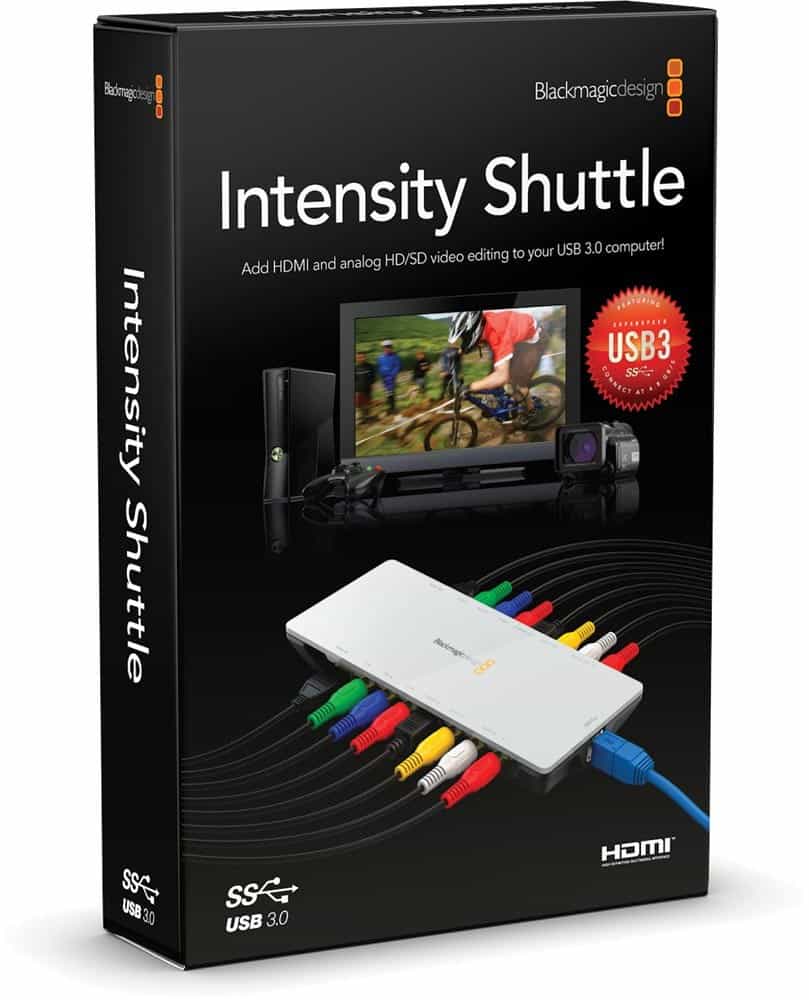
A reliable capture device for both amateur and professional use is the BlackMagic Design Intensity Shuttle (USB 3.0). It is compact, bus-powered, compatible with Windows 7 through 11, and faithfully preserves the incoming analog signal. Its main limitation: it does not correct source defects. If your VHS player reads the tape poorly, the dongle will faithfully record those defects.
Capture Software
Several options exist for managing the capture:
- DaVinci Resolve (free) — integrates natively with BlackMagic hardware.
- OBS Studio (free, open source) — works with most USB dongles via DirectShow. Simple interface, reliable performance.
- VirtualDub2 (free) — frame-by-frame capture with fine control over the recording codec. Recommended for difficult cases.
- Adobe Premiere Pro / Final Cut Pro (paid) — capture directly from within the editing software.
Storage
Capture is generally done without compression to avoid audio/video desynchronization. Expect around 100 GB per hour of video. For 10 hours of content, plan for a hard drive of at least 1 TB.
Color Grading and Editing
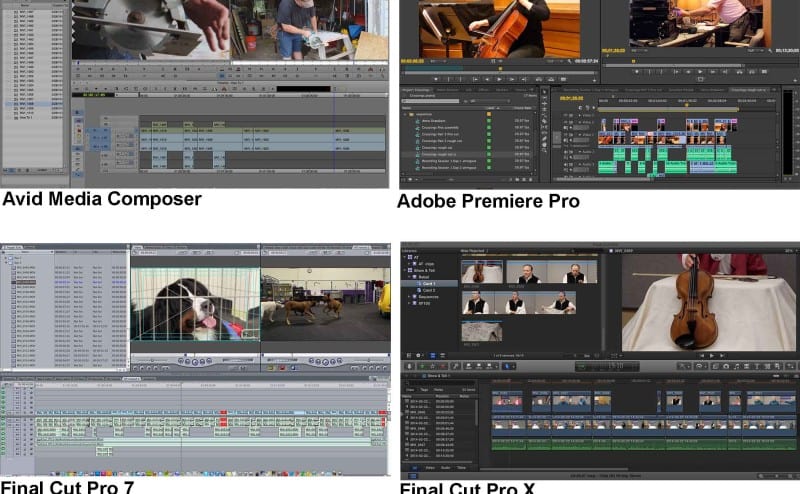
In Adobe Premiere Pro, Final Cut Pro, or DaVinci Resolve (free and very capable), import your files and work on the color correction settings. VHS footage typically shows washed-out colors, low contrast, and a yellowish cast.
Split your file into several segments and apply different corrections to each one: a scene filmed outdoors in daylight has very different color properties from a scene filmed indoors at night.
Noise Reduction
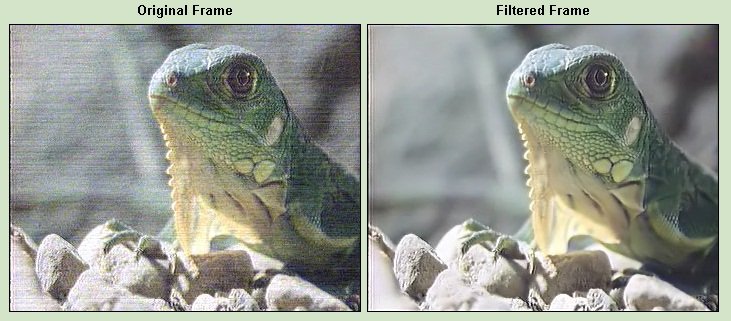
Some people appreciate the characteristic VHS grain. Others want to reduce it. For this, Neat Video is the reference plugin for Premiere, Final Cut, and Resolve. Work with moderate values (20–40%): too aggressive a reduction on content already low in detail produces a blurry, plastic-looking image — often worse than the original grain.
Cropping the Image
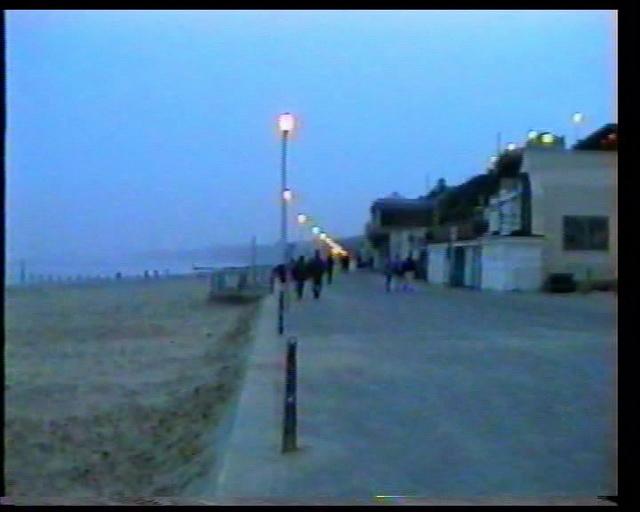
After color grading, remove the black bars using the Crop effect in your editing software. These bars on the top, bottom, or sides are caused by the analog sync signal. A crop of 2 to 5% on each side is generally enough.
Before You Start
Begin with a single tape to assess whether the full workflow suits you. Plan for roughly 4 hours of work per one-hour tape (real-time capture + post-production). For ten cassettes, that is approximately 40 hours of work.
Working with analog formats and their specific frequencies is different from working with standard digital files. There is a real learning curve.
You prefer to leave this process to a professional? Check our pricing, or contact me.